Build a Booking App with a Coding Agent
See a working booking app built on Userland. Try the live demo, copy the prompt, and build yours for lessons, sessions, or appointments.
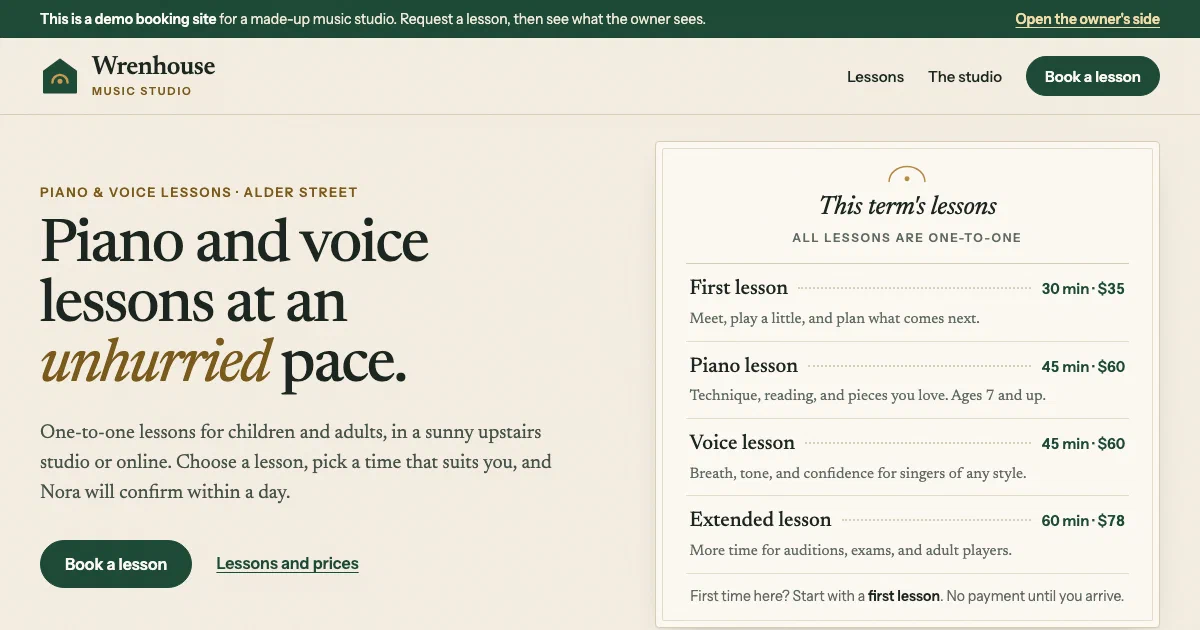
Live demo
Open the demo at booking-demo.apps.userland.fun. Pick a lesson and a time, send a request, then open the owner’s side to confirm it. Only you see the requests you add.
What this app does
- Lists your services with length and price
- Shows open times for the next two weeks, based on your hours
- Takes booking requests with contact details and a note
- Stops two people from requesting the same time
- Shows each customer a confirmation with a reference number
- Gives you a private inbox to confirm, decline, or cancel requests
- Lets you edit services, lengths, prices, and what shows on the booking page
- Keeps a history of every request and status change
Who this is for
This app is useful for:
App spec
- Public visitor, who requests a time
- Owner, who signs in with the owner role
- Home page with services and prices
- Booking form with service, day, and time
- Confirmation page
- Owner inbox with New, Confirmed, Declined & cancelled, and All tabs
- Services editor
- Activity history
- Managed data for services and bookings
- App sign-in with an owner role
- Activity log entries for requests, status changes, and service edits
| Route | Purpose |
|---|---|
/ | Home page with the list of services |
/book | Booking form with service, day, and open times |
/booked | Confirmation page for one request |
/studio | Owner inbox with New, Confirmed, Declined & cancelled, and All tabs |
/studio/bookings/{id}/status | Confirms, declines, cancels, or reopens a request |
/studio/lessons | Owner page to add and edit services, lengths, and prices. Its add form saves a new service here. |
/studio/lessons/{id} | Saves changes to one service |
/studio/lessons/starter | Adds starter services to a new studio with none yet |
/studio/activity | Recent requests and status changes |
Data model
- id
- name
- summary
- length in minutes
- price in cents
- display order
- shown on the booking page
- id
- reference number
- service
- service name, length, and price when requested
- start time
- end time
- customer name
- customer email
- customer phone
- student details
- message
- status (new, confirmed, declined, cancelled)
- history
Build it with this prompt
Paste this into your coding agent to build your own version, then ask it to change the copy, design, and data for your business.
Build and publish a booking app for my business on Userland.

What I need:
[Describe your business in your own words: what customers book, how long each service takes and what it costs, your opening hours, and what you need to know about each customer. For example: "Private piano lessons, 30 or 45 minutes, $35 or $60. Weekday afternoons and Saturday mornings. Ask the student's age and experience."]

How to work:
1. Read https://docs.userland.fun/llms.txt first and follow the Userland docs. Don't guess how Userland works.
2. Start from the booking example at https://github.com/dwrtz/userland-public/tree/main/examples/booking-app. Replace its made-up studio with my business and remove its demo mode.
3. If I haven't filled in "What I need", ask me first. Ask anything else you need before you build, then explain your plan in plain language: the pages, how customers request a time, who can sign in, and what information gets saved.
4. Build the app. Only I should see bookings: protect the owner pages with a sign-in and an owner role. Keep API keys and secrets on the server, never in the browser.
5. Publish with the Userland CLI. If you need to sign in, run userland login and I'll approve it in my browser. Then set me up as the owner so I can sign in and see requests.
6. When it's live, tell me the link, how customers book and how I confirm requests, anything that needs a paid plan, and how to undo a release if something breaks. Note the app ID and release ID in the project README so you can publish updates later.
Implementation notes
Pages load as plain HTML from the server. The home page, booking form, confirmation, and owner pages work without JavaScript. Choosing a service or a day reloads the form with the open times for that choice.
Services and bookings are saved in Userland managed data. Each booking keeps a copy of the service name, length, and price at the moment it was requested, so later price changes don’t rewrite past bookings. Each booking also gets a short reference number like WH-7K3Q9M.
Open times come from your hours. Opening hours, time zone, minimum notice, and how far ahead people can book live in one small settings block. The form shows the next two weeks and hides times that are already requested or confirmed.
Double bookings are checked right before saving. When a request comes in, the app looks at the existing bookings again and only saves it if the time is still free. If someone else just took it, the customer is asked to pick another time.
The owner pages are locked. Every owner page and button checks for a signed-in account with the owner role. Signed-out visitors are sent to sign in and brought back afterwards, and any other account sees an “owner only” page. Nobody can create an account on their own; you invite the owner.
Forms are protected against common abuse. Inputs are checked and length-limited, a hidden field catches bots, forms only accept posts from the app’s own pages, and everything people type is escaped before it’s shown.
Every booking leaves a trail. Requests, status changes, and service edits are written to the app’s activity log with record numbers only, never names or contact details. You can read it in the Userland console or with userland apps events. On Starter and above, traffic analytics show visits, popular pages, and where visitors came from.
The demo runs in demo mode. One file lets demo visitors open the owner side without signing in. Each visitor sees made-up sample bookings plus only the requests they added, their changes stay private to them, and everything they add is cleared after a day. Demo mode only switches on at the demo address, and the README shows how to remove it.
Variants
You can customize this app into:
FAQ
What plan does this app need?
How do I see and confirm bookings?
Does it send confirmation emails?
Can customers see other people's bookings?
How does it stop double bookings?
How do I undo a change?
Related examples
-
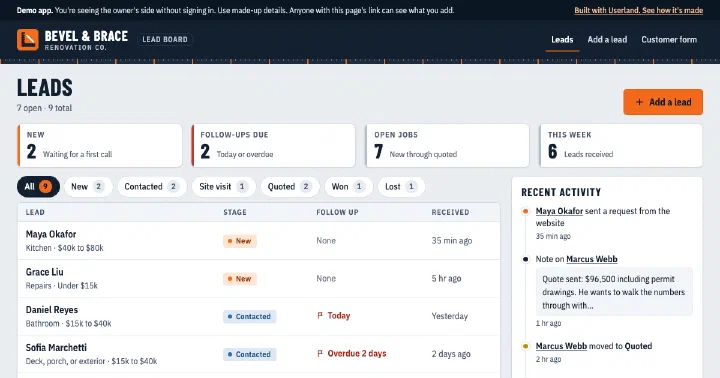
Mini CRM
Lead inbox with a public request form and an owner-only board for stages, notes, and follow-ups.
-
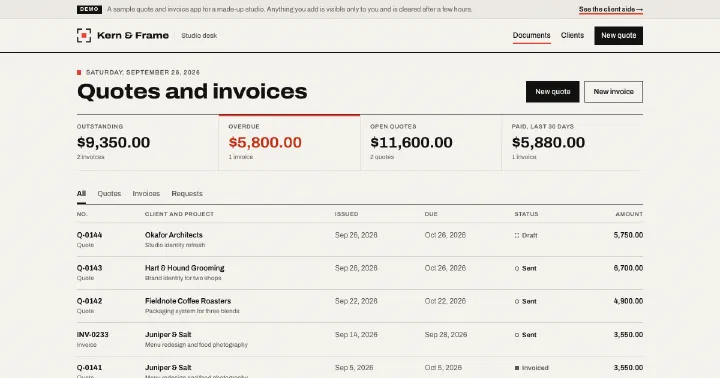
Invoice Generator
Quote request form, private client links to accept quotes, and an owner desk that turns accepted quotes into printable invoices.
-
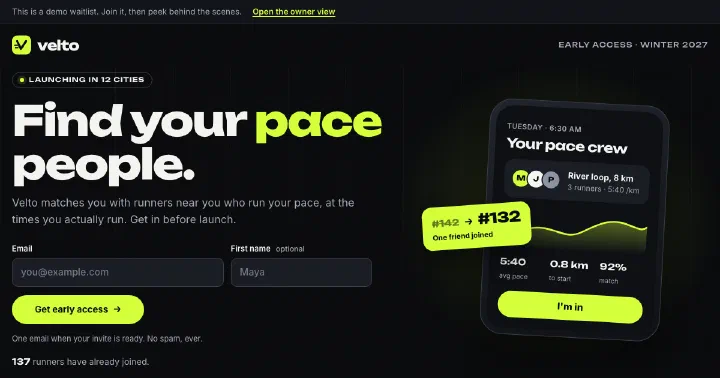
Waitlist App
Pre-launch waitlist with invite links that move people up the line, optional questions, and an owner view with a spreadsheet download.
-
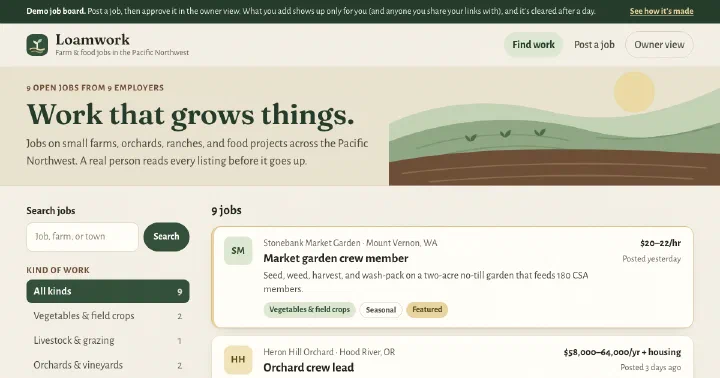
Job Board
Niche job board with search and category filters, an employer submission form, and an owner review queue.
Build yours.
Paste a prompt into your coding agent and describe how your business works. Your agent builds the app. Userland runs it.