Marketplace and directory apps
Build a Job Board with a Coding Agent
See a working niche job board built on Userland. Try the live demo, copy the prompt, and adapt it for your community, directory, or listings site.
Live demo
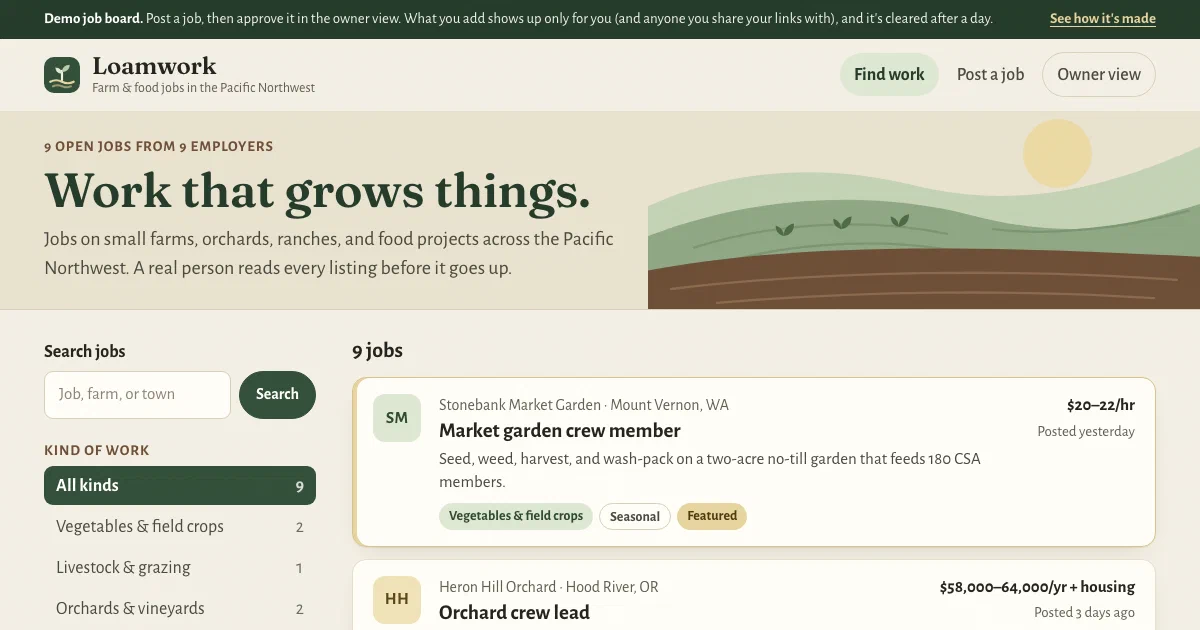
Open the demo at job-board-demo.apps.userland.fun. Browse farm jobs, post one of your own, then open the owner view to approve, decline, or edit it. What you add is kept apart from other visitors.
What this app does
- Lists open jobs with pay, location, and schedule, featured jobs first
- Filters by kind of work and schedule, with a search box for job, employer, or town
- Gives every job its own page with the full description and how to apply
- Takes new listings from employers through a simple form
- Holds every new listing for the owner to approve or decline before it goes live
- Lets the owner edit listings, feature them, keep private notes, and mark jobs as filled
- Keeps employer contact details private to the owner
Who this is for
This app is useful for:
App spec
- Visitor who browses and applies
- Employer who posts a job
- Board owner who signs in to review and edit listings
- Job board with search and filters
- Job page with how to apply
- Post a job form and confirmation
- Owner review queue with status tabs and recent activity
- Owner listing editor
- Saved listings with status, dates, and review history
- Owner sign-in with a single owner role
- Activity log in the Userland console for every submission and review
| Route | Purpose |
|---|---|
/ | Job board with search, kind-of-work, and schedule filters |
/jobs/{id} | Job page with pay, location, description, and how to apply |
/post | Post a job form for employers (sends the listing for review) |
/post/thanks | Confirmation after posting |
/owner | Owner review queue, grouped by status (sign-in required) |
/owner/jobs/{id} | Owner listing editor (sign-in required) |
/owner/jobs/{id}/status | Approve, decline, mark as filled, or put a listing back live (sign-in required) |
Data model
- id
- title
- employer
- location
- kind of work
- schedule
- pay
- summary
- description
- how to apply (link or email)
- contact name (owner only)
- contact email (owner only)
- status (waiting for review, live, declined, closed)
- featured
- private note (owner only)
- history
- time submitted
- time published
Build it with this prompt
Paste this into your coding agent to build your own version, then ask it to change the copy, design, and data for your business.
Build and publish a job board for my community on Userland.

What I need:
[Describe your board: who it's for, the kinds of jobs or listings, the filters people need, what employers fill in, and who approves new listings. For example: "Jobs at independent bike shops in Colorado. Filter by shop role and full- or part-time. Shops post for free and I approve each one."]

How to work:
1. Read https://docs.userland.fun/llms.txt first and follow the Userland docs. Don't guess how Userland works.
2. Start from the job board example at https://github.com/dwrtz/userland-public/tree/main/examples/job-board. Replace its made-up farm job board with my board and remove its demo mode.
3. If I haven't filled in "What I need", ask me first. Ask anything else you need before you build, then explain your plan in plain language: the pages, who can sign in, and what information gets saved and who can see it.
4. Build the app with its own name and look. Keep new listings off the board until I approve them, keep employer contact details private to me, and keep API keys and secrets on the server, never in the browser.
5. Publish with the Userland CLI. If you need to sign in, run userland login and I'll approve it in my browser. Then set me up as the owner so I can sign in to review listings.
6. When it's live, tell me the link, how employers and I use it, anything that needs a paid plan, and how to undo a release if something breaks. Note the app ID and release ID in the project README so you can publish updates later.
Implementation notes
Pages load as plain HTML from the server. Every page, including search and filters, works without JavaScript and loads fast on a phone. Filters and search are links and a simple form, so filtered pages can be bookmarked and shared.
Listings are saved in Userland managed data. Only the app itself can read them. Each listing carries a status (waiting for review, live, declined, or closed), so the public board and job pages only ever show approved jobs. Employer contact details and the owner’s private notes are removed before a page is rendered for visitors.
The owner pages are locked. They use Userland’s app sign-in with a single owner role, and public sign-up is turned off. Signed-out visitors are sent to the sign-in page, other accounts get a clear “can’t manage listings” message, and changes are refused unless they come from the owner.
Every listing leaves a trail. Each submission, approval, decline, and edit is written to the app’s activity log, which you can read in the Userland console alongside errors. On Starter and above, traffic analytics show visits, popular pages, and where visitors came from.
Forms are protected against common abuse. The public form checks every field on the server, limits lengths, and quietly drops submissions from bots that fill in a hidden field. Everything a visitor types is escaped before it appears on a page. Each job page also describes the job in the format search engines read, so a real board’s listings can show up in Google’s job search.
The demo runs in demo mode. The live demo is a made-up board called Loamwork. It lets you try the owner view without signing in: sample jobs come with the app, and anything you post or approve is kept apart from other visitors (anyone you share your link with sees it too) and cleared after a day. The example’s README shows how to remove the demo so your own board always requires the owner sign-in.
Variants
You can customize this app into:
FAQ
What plan does this app need?
Who approves new listings?
Can visitors see employers' email addresses?
How do I undo a change?
Can I charge employers to post?
Can I turn this into a directory instead of a job board?
Related examples
-
Mini CRM
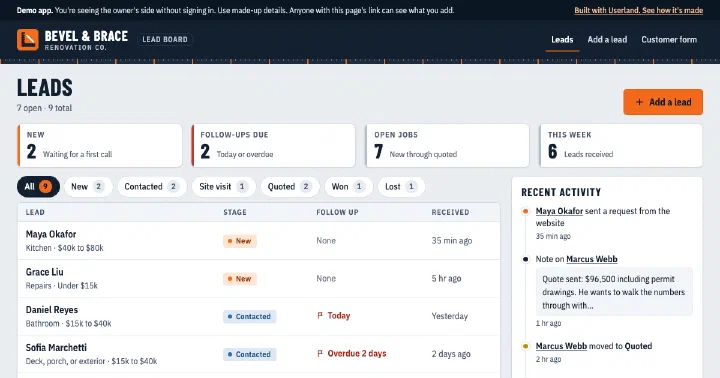
Lead inbox with a public request form and an owner-only board for stages, notes, and follow-ups.
-
Waitlist App
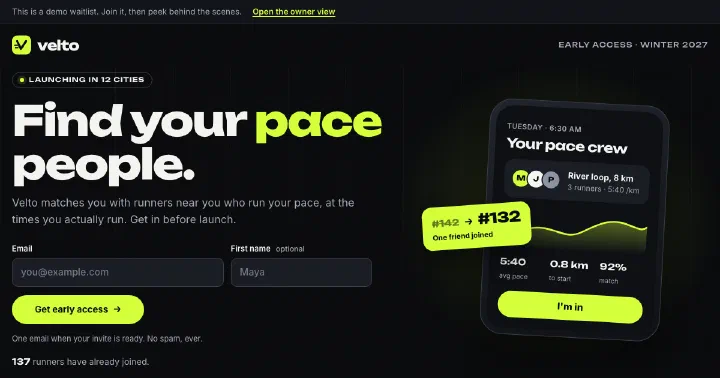
Pre-launch waitlist with invite links that move people up the line, optional questions, and an owner view with a spreadsheet download.
-
Booking App
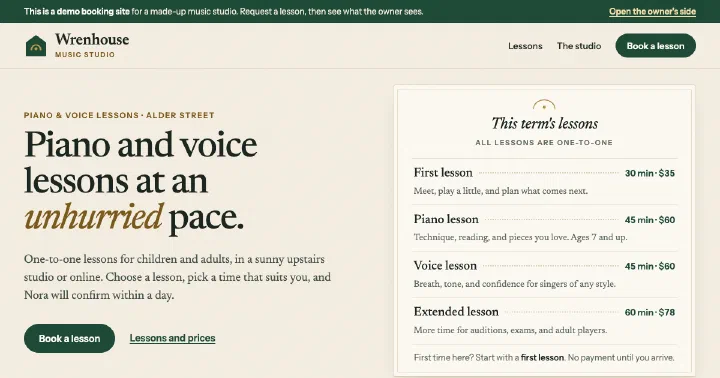
Booking page with open times and a request form, plus a private owner inbox to confirm, decline, and edit services.
-
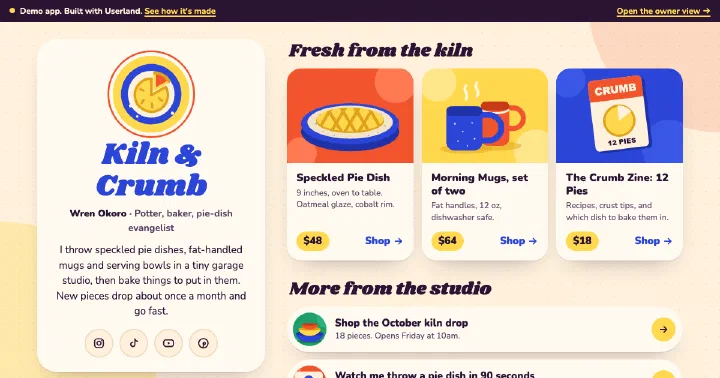
Link-in-Bio App
Creator link page with featured products, an email list, a contact form, and a private owner view.
Build yours.
Paste a prompt into your coding agent and describe how your business works. Your agent builds the app. Userland runs it.