Build a Startup Waitlist App with a Coding Agent
See a working startup waitlist built on Userland. Try the live demo, copy the prompt, and launch yours with invite links and a private owner view.
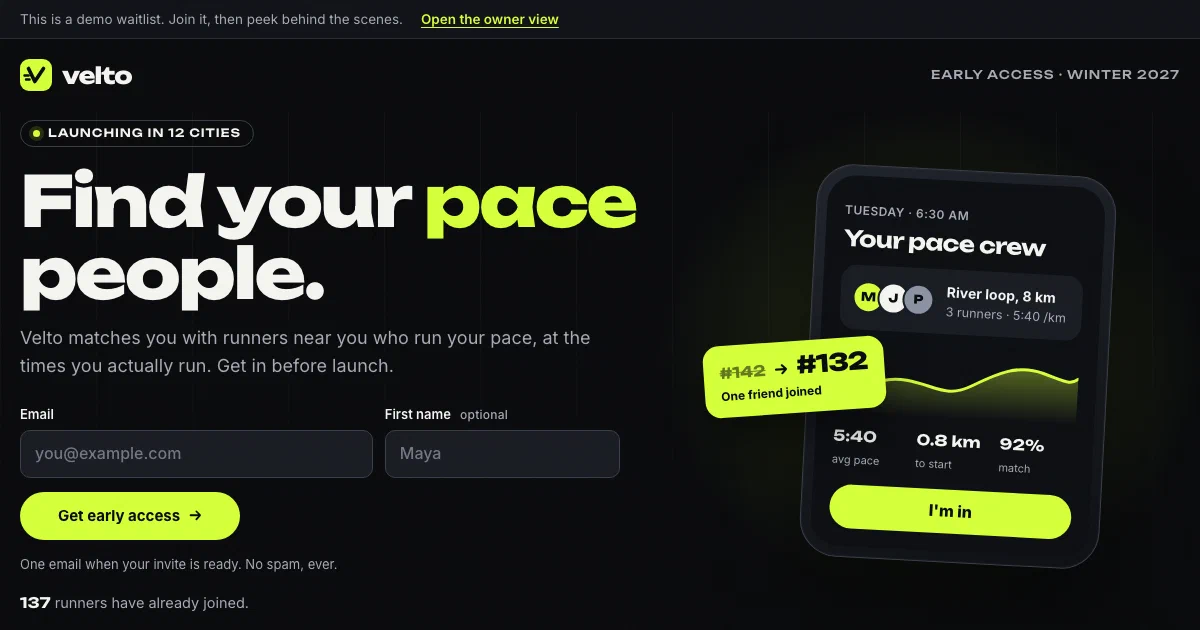
Live demo
Open the demo at waitlist-demo.apps.userland.fun. Join the list, see your place in line, try your invite link, then open the owner view. Only you see the signups you add.
What this app does
- Collects signups on a launch landing page
- Gives each person a private page with their place in line
- Moves people up 10 places for each friend who joins with their invite link
- Asks optional questions so you know who is waiting
- Gives you a private owner view with search, filters, and invite or archive buttons
- Exports the list as a spreadsheet for your email tool
- Shows your top referrers and recent activity
Who this is for
This app is useful for:
App spec
- Public visitor
- Person on the list, through their private link
- Owner, who signs in with the owner role
- Landing page with signup form
- Private place-in-line page with invite link and optional questions
- Owner view with totals, filters, top referrers, and recent activity
- Spreadsheet download of the filtered list
- Managed data for signups
- App sign-in with an owner role
- Activity log entries for signups, status changes, and downloads
| Route | Purpose |
|---|---|
/ | Landing page and signup form |
/join | Saves a signup and sends the person to their private page |
/r/{invite-code} | Short invite link that credits the friend who shared it |
/you/{id}/{private-key} | Private page with place in line, invite link, and optional questions |
/admin | Owner view with search, filters, invite and archive buttons |
/admin/export.csv | Spreadsheet download of the current filter |
Data model
- id
- first name
- status (waiting, invited, archived)
- time joined
- time invited
- invite code
- invited by (a friend's invite code)
- private link key
- how often they run
- what they want most
- city
- where they came from
Build it with this prompt
Paste this into your coding agent to build your own version, then ask it to change the copy, design, and data for your business.
Build and publish a startup waitlist app for my business on Userland.

What I need:
[Describe your launch in your own words: what you're launching, who it's for, when it opens, and what to ask people when they join. For example: "A budgeting app for freelancers, opening in March. Ask what they use today and how many clients they have."]

How to work:
1. Read https://docs.userland.fun/llms.txt first and follow the Userland docs. Don't guess how Userland works.
2. Start from the waitlist example at https://github.com/dwrtz/userland-public/tree/main/examples/waitlist-app. Replace its made-up brand with mine and remove its demo mode.
3. If I haven't filled in "What I need", ask me first. Ask anything else you need before you build, then explain your plan in plain language: the pages, what people see after they join, how invite links move them up, who can see the list, and what information gets saved.
4. Build the app. Only I should see the list: protect it with a sign-in and an owner role. Keep API keys and secrets on the server, never in the browser.
5. Publish with the Userland CLI. If you need to sign in, run userland login and I'll approve it in my browser. Then set me up as the owner so I can sign in and see the list.
6. When it's live, tell me the link, how people join, how I see and download the list, anything that needs a paid plan, and how to undo a release if something breaks. Note the app ID and release ID in the project README so you can publish updates later.
Implementation notes
Pages load as plain HTML from the server. The landing page, private page, and owner view work without JavaScript. One small optional script adds a “Copy link” button.
Signups are saved in Userland managed data. Each person is one row. The public landing page reads only the first 100 signups to show how many people joined (for example “100+”), so it stays quick as the list grows. Email addresses and invite codes are unique, so nobody joins twice and no two people share a link.
Place in line is worked out when the page loads. People keep the order they joined in, then move up 10 places for each friend who joined with their link. Invited and archived people leave the line. Credit for a friend is counted from the friend’s own signup, so two friends joining at the same moment both count, and archiving a fake signup takes its credit away.
The owner view is locked. It checks for a signed-in account with the owner role. Signed-out visitors are sent to sign in, and any other account sees an “owners only” page. Private pages and the owner view are marked so search engines skip them.
Forms are protected against common abuse. Inputs are checked and length-limited, a hidden field catches bots, forms only accept posts from the app’s own pages, everything people type is escaped before it’s shown, and spreadsheet cells are guarded against formulas. Someone who enters an email that’s already on the list gets a plain thank-you page instead of an “already signed up” message. The form doesn’t fully hide who has signed up, though: a new email still goes straight to its private place-in-line page. The README explains how to close that gap by emailing the private link instead.
Every signup leaves a trail. Signups, answer updates, status changes, and downloads are written to the app’s activity log with record numbers only, never names or emails. You can read it in the Userland console or with userland apps events.
The demo runs in demo mode. One file lets demo visitors open the owner view without signing in. Each visitor sees made-up sample signups plus only the ones they added, and their changes stay private to them. Visitor signups are deleted after a day, and the demo has an overall limit so it can’t fill up; if a flood of fake signups reaches that limit, new visitors see a “demo is busy” page until old signups clear. Demo mode only switches on at the demo’s own addresses. A copy published anywhere else runs as a normal waitlist, and the README shows how to remove demo mode entirely.
Variants
You can customize this app into:
FAQ
What plan does this app need?
How do I see who joined?
Can people on the list see each other?
How do invite links work?
Does it send emails?
How do I undo a change?
Related examples
-
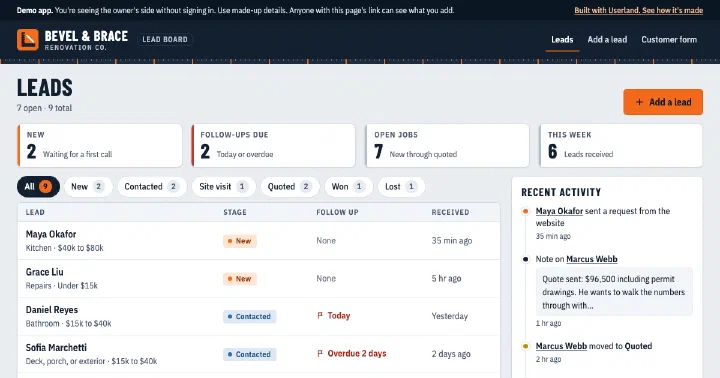
Mini CRM
Lead inbox with a public request form and an owner-only board for stages, notes, and follow-ups.
-
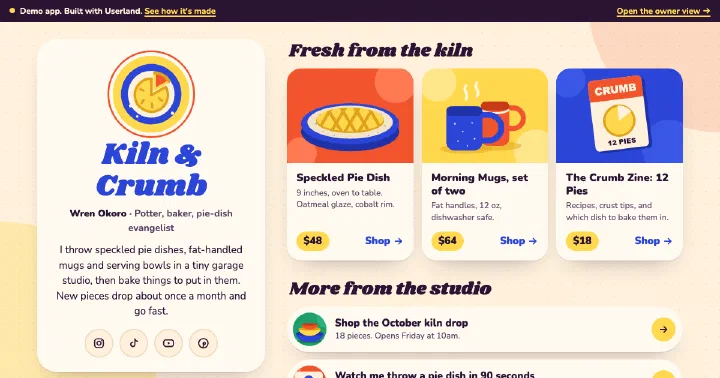
Link-in-Bio App
Creator link page with featured products, an email list, a contact form, and a private owner view.
-
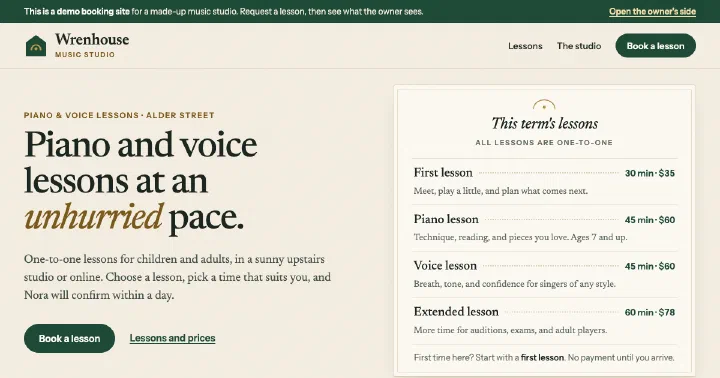
Booking App
Booking page with open times and a request form, plus a private owner inbox to confirm, decline, and edit services.
-
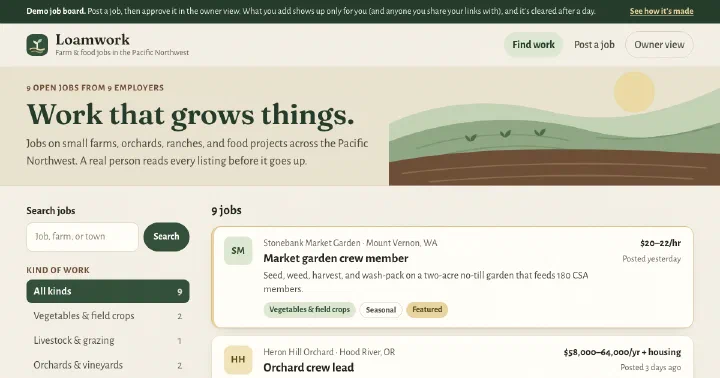
Job Board
Niche job board with search and category filters, an employer submission form, and an owner review queue.
Build yours.
Paste a prompt into your coding agent and describe how your business works. Your agent builds the app. Userland runs it.