Build an Invoice Generator with a Coding Agent
See a working quote and invoice app built on Userland. Try the live demo, copy the prompt, and build yours for freelance, studio, or service work.
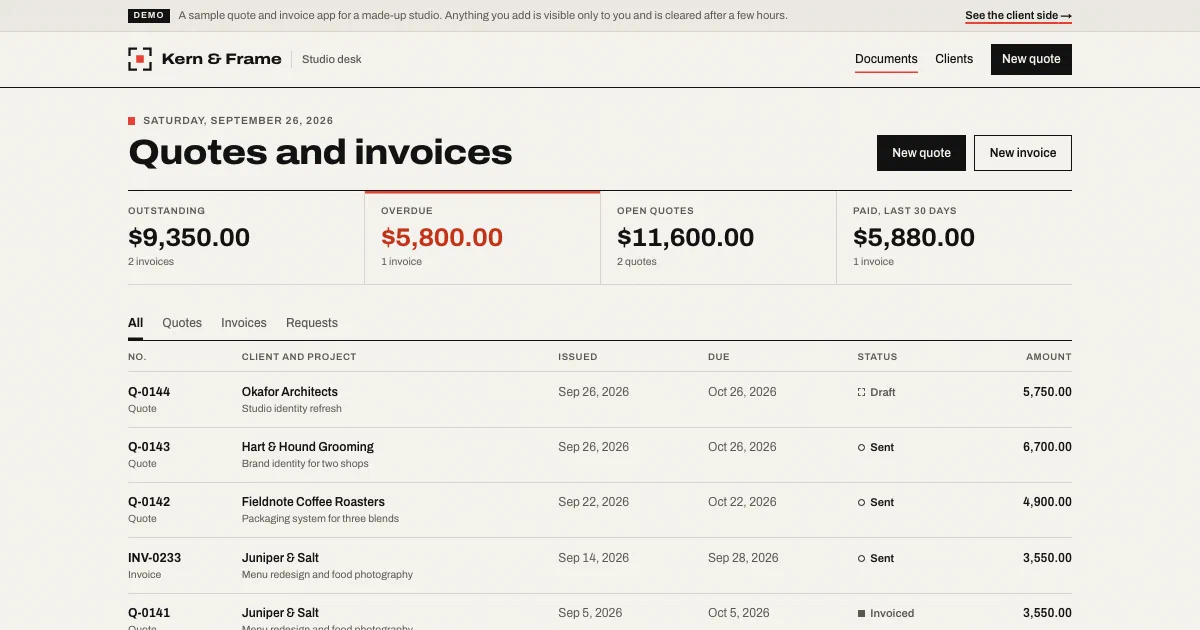
Live demo
Open the demo at invoice-demo.apps.userland.fun. Request a quote as a client, then open the studio desk to price it, send it, accept it, and turn it into an invoice. Only you see what you add.
What this app does
- Takes quote requests from a public page with a short form
- Keeps a client list with billing addresses
- Builds quotes and invoices from line items with quantity, price, and tax
- Numbers every quote and invoice in order
- Gives each sent quote or invoice a private link your client can open, print, or save as a PDF
- Lets clients accept or decline a quote from that link
- Turns an accepted quote into an invoice in one click
- Tracks status from draft to sent, accepted, and paid, and flags overdue invoices
- Shows what’s outstanding, overdue, still quoted, and paid in the last 30 days
Who this is for
This app is useful for:
App spec
- Public visitor, who requests a quote
- Client, who opens a private link to view, accept, or print a quote or invoice
- Owner, who signs in with the owner role
- Studio page with services and a quote request form
- Request confirmation
- Client view of a quote or invoice, ready to print
- Owner desk with totals, new requests, and all quotes and invoices
- Quote and invoice editor with line items and live totals
- Quote or invoice page with status actions and the client link
- Client list and client details
- Managed data for clients, quotes, and invoices
- App sign-in with an owner role
- Activity log entries for requests, new documents, status changes, and conversions
| Route | Purpose |
|---|---|
/ | Studio page with services and the quote request form |
/request | Saves a quote request as a new client and a quote to price |
/p/{private-link} | Private client view of a sent quote or invoice, printable |
/p/{private-link}/respond | Client accepts or declines a sent quote |
/desk | Owner desk with totals, new requests, and Quotes, Invoices, and Requests tabs |
/desk/new?kind=quote | New quote or invoice with line items, dates, tax, and terms |
/desk/documents/{id} | Quote or invoice with status actions and the client link |
/desk/documents/{id}/edit | Edit a draft or price a new request |
/desk/documents/{id}/status | Marks a document sent, accepted, declined, paid, or void |
/desk/documents/{id}/convert | Turns a quote into a draft invoice with the same line items |
/desk/clients | Client list and a form to add a client |
/desk/clients/{id} | Client details and their quotes and invoices |
Data model
- id
- name
- company
- address
- notes
- id
- kind (quote, invoice)
- number
- status (requested, draft, sent, accepted, declined, converted, paid, void)
- client
- title
- issue date
- due date
- line items (description, quantity, unit price, amount)
- tax rate
- subtotal, tax, and total in cents
- currency
- notes
- client's request message
- private link key
- quote it came from
- invoice it became
- date sent
- date accepted
- date paid
Build it with this prompt
Paste this into your coding agent to build your own version, then ask it to change the copy, design, and data for your business.
Build and publish a quote and invoice app for my business on Userland.

What I need:
[Describe your business in your own words: what you sell, how you price it (per hour, per day, per item, or fixed), your currency and any tax, your payment terms, and what clients should see on a quote or invoice. For example: "Wedding and portrait photography in Denver. Day rate $1,800, prints and albums priced per item, 8% sales tax on prints. Quotes are valid for 30 days, invoices are due in 14."]

How to work:
1. Read https://docs.userland.fun/llms.txt first and follow the Userland docs. Don't guess how Userland works.
2. Start from the invoice example at https://github.com/dwrtz/userland-public/tree/main/examples/invoice-generator. Replace its made-up studio with my business and remove its demo mode.
3. If I haven't filled in "What I need", ask me first. Ask anything else you need before you build, then explain your plan in plain language: the pages, how clients request and accept quotes, who can sign in, and what information gets saved.
4. Build the app. Only I should see clients, quotes, and invoices: protect the owner pages with a sign-in and an owner role. Keep API keys and secrets on the server, never in the browser.
5. Publish with the Userland CLI. If you need to sign in, run userland login and I'll approve it in my browser. Then set me up as the owner so I can sign in and send my first quote.
6. When it's live, tell me the link, how clients request and accept quotes, how I send quotes and invoices and mark them paid, anything that needs a paid plan, and how to undo a release if something breaks. Note the app ID and release ID in the project README so you can publish updates later.
Implementation notes
Pages load as plain HTML from the server. The studio page, the client view, the owner desk, and every form work without JavaScript. A small script adds live totals while you type line items, extra line rows, and copy and print buttons.
Quotes and invoices share one record type. Each document is a quote or an invoice with its own number, status, dates, and line items. Keeping line items inside the document keeps the app to two kinds of saved records, which fits the Free plan, and makes turning a quote into an invoice a simple copy.
Money is handled on the server. Prices are parsed into whole cents, the server computes each line, the subtotal, tax, and total, and those totals are saved with the document. Numbering continues from the last quote or invoice, with a prefix and starting number set in one settings file along with your business name, address, currency, and payment terms.
Status changes follow clear rules. A quote moves from requested or draft to sent, then accepted or declined; an invoice moves from draft to sent to paid, or is voided. Only allowed moves are offered, and turning a quote into an invoice is saved in one step, so it can only happen once. Sent invoices past their due date show as overdue.
Client links are private. Each document gets a long random link. Clients can view, print, accept, or decline without an account, but they only ever see their own document, and drafts stay hidden. The document is designed to print cleanly on its own, without the app around it.
The owner pages are locked. Every desk page and button checks for a signed-in account with the owner role. Signed-out visitors are sent to sign in and brought back afterwards, and any other account sees an “owner only” page. Nobody can create an account on their own; you invite the owner.
Forms are protected against common abuse. Inputs are checked and length-limited, a hidden field catches bots, forms only accept posts from the app’s own pages, pages refuse to run scripts from other sites, and everything people type is escaped before it’s shown.
Every change leaves a trail. Requests, new quotes and invoices, status changes, client answers, and conversions are written to the app’s activity log with document numbers only, never names or contact details. You can read it in the Userland console or with userland apps events.
The demo runs in demo mode. One file lets demo visitors open the owner side without signing in. Each visitor gets a private copy with made-up sample clients, quotes, and invoices, sees only what they add themselves, and their copy is cleared a few hours later. Demo mode only switches on at the demo address, and the README shows how to remove it.
Variants
You can customize this app into:
FAQ
What plan does this app need?
How do my clients get their quotes and invoices?
Can it send emails or take card payments?
Can clients see each other's quotes or my client list?
Are the totals reliable?
How do I undo a change?
Related examples
-
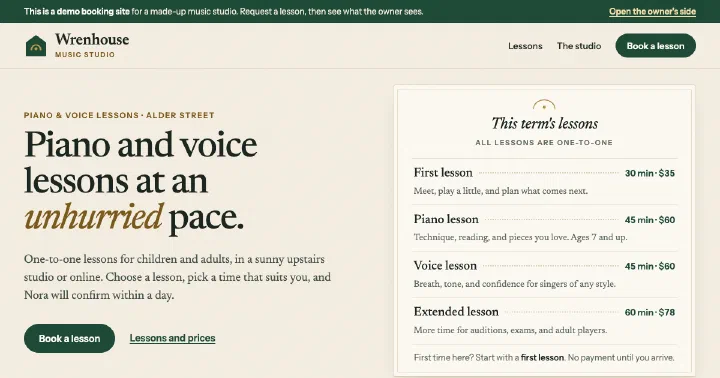
Booking App
Booking page with open times and a request form, plus a private owner inbox to confirm, decline, and edit services.
-
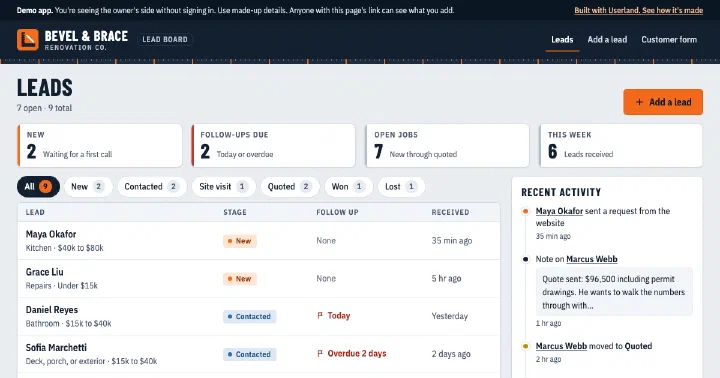
Mini CRM
Lead inbox with a public request form and an owner-only board for stages, notes, and follow-ups.
-
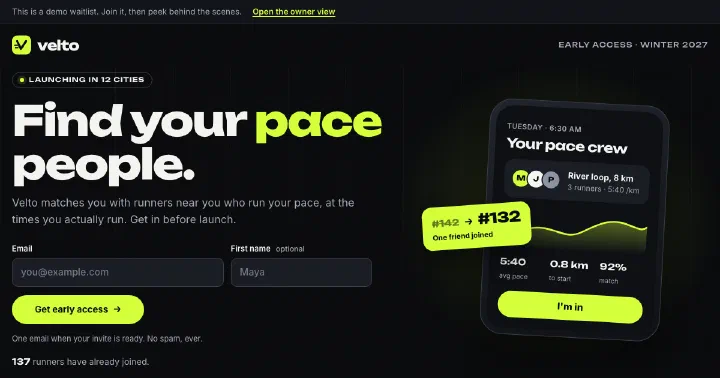
Waitlist App
Pre-launch waitlist with invite links that move people up the line, optional questions, and an owner view with a spreadsheet download.
-
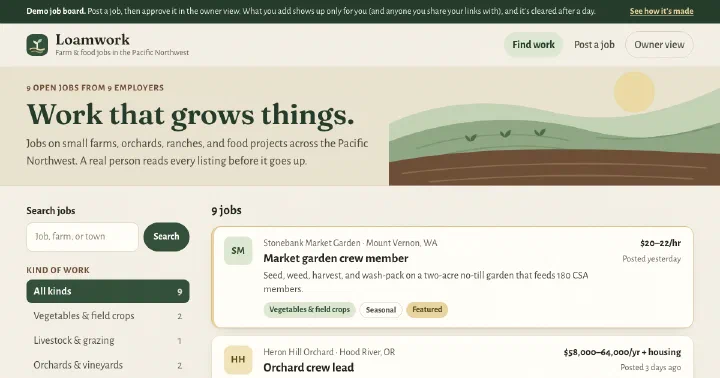
Job Board
Niche job board with search and category filters, an employer submission form, and an owner review queue.
Build yours.
Paste a prompt into your coding agent and describe how your business works. Your agent builds the app. Userland runs it.